
티스토리 뷰
목차
반응형
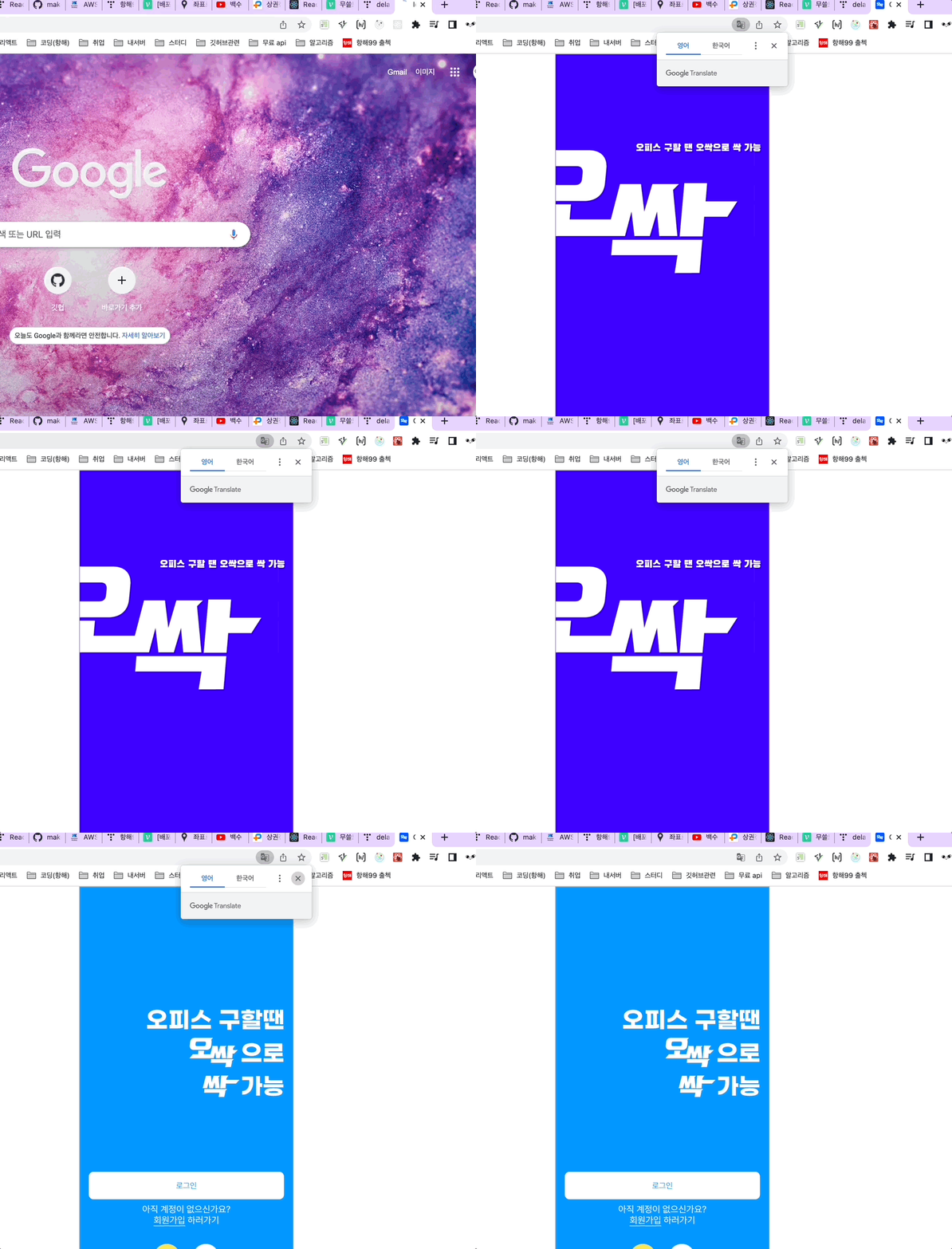
오늘은 한 것은 별로 없고,,
디자인을 입히는 일을 했당 ㅠㅠ
우선 스플래시..맞는지 모르겠지만, setTimeout으로 해당페이지에서 3초 후 자동으로 페이지를 이동하는 데 성공했다 !!
맨처음에는 리액트 네이티브에서만 할 수 있을 거라는 생각과는 다르게 ㅎㅎ잘되어서 다행이다 ㅠㅠ
하지만 다시 localhost:3000으로 돌아가는 순간 디버깅..페이지로 들어온다 ㅠㅠㅠㅠ
ㅎ..ㅎ..ㅎ..
스플래시 코드
import React,{useEffect} from "react";
import { Grid, Image } from "../elements/index";
import styled from "styled-components";
import { history } from "../redux/configStore";
import moomgu from '../static/images/logo01.svg';
import ossack from '../static/images/logo02.svg';

const Splash = () => {
  // 2초 뒤 채팅 메인으로 넘어가는 함수 작성
  const timeout = () => {
    setTimeout(() => {
      history.push('/start');
    }, 2000);
  };
  // 컴포넌트가 화면에 다 나타나면 timeout 함수 실행
  useEffect(() => {
    timeout();
    return () => {
      // clear 해줌
      clearTimeout(timeout);
    };
  });
  return (
    <React.Fragment>

        <Grid
          width="100%"
          padding="38px 0"
          display="flex"
          flexDirection="column"
          bg="#3E00FF"
        >
          <Grid width="100%" margin="118px 0" height="237px" position="relative">
            <img  src={ossack} alt="오싹 이미지"/>
            <Grid width="217px" height="14px" position="absolute" top="0" right="15px">
              <Image shape="rectangle" padding="14px" src={moomgu}/>
            </Grid>
          </Grid>
        </Grid>

    </React.Fragment>
  );
};
const Outter = styled.div`
  width: 100%;
  padding: 0 16px 68px;
`;
const A = styled.a`
  color: #000;
`;
export default Splash;
728x90
반응형
'TIL > 2022 TIL' 카테고리의 다른 글
| [항해99 71일차] 2022.05.16 TIL (말풍선 테두리 css ) (1) | 2022.05.17 |
|---|---|
| [항해99 69일차] 2022.05.14 TIL (트러블 슈팅 지도 문제 해결!! ) (1) | 2022.05.14 |
| [항해99 67일차] 2022.05.11 TIL (무한스크롤 구현) (0) | 2022.05.12 |
| [항해99 66일차] 2022.05.10 TIL (지도 오버레이 클릭시 상세페이지로 이동) (2) | 2022.05.10 |
| [항해99 65일차] 2022.05.09 TIL (지도 마커 띄우기) (1) | 2022.05.10 |